Safety management system
Report a hazard with a photo, fix it, close it on record.
Ready-made: it works today, so you can start now.
is this you?
- “Findings come in by group chat and on paper. Nobody knows which were fixed.”
- “The action had a date. The date passed, and nobody told us.”
- “The monthly safety report is built by hand.”
how it works
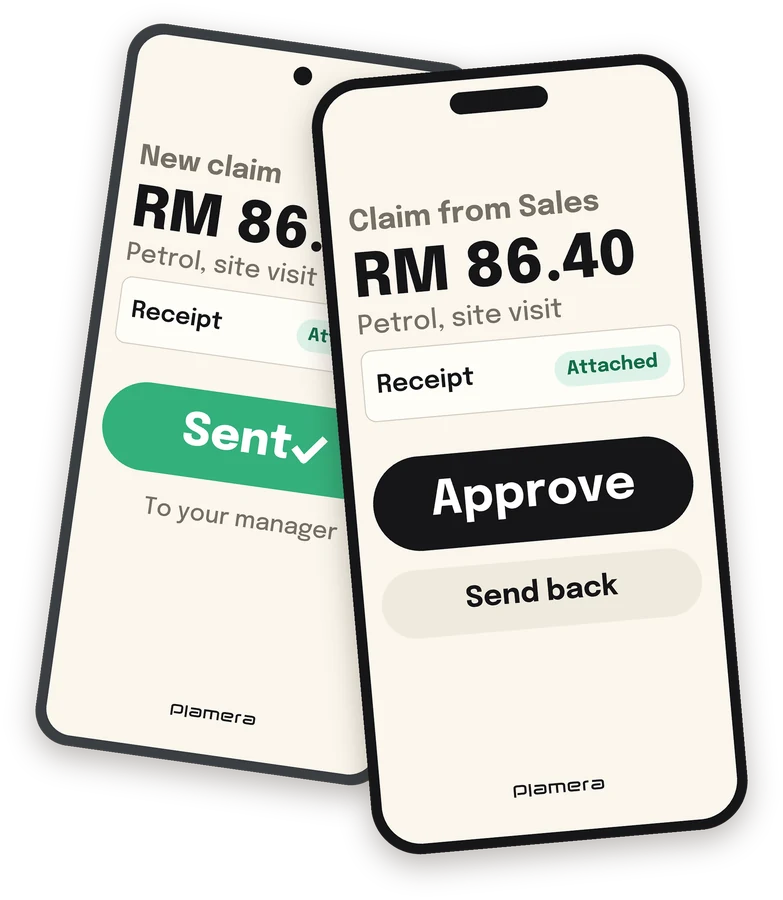
- Report a hazard from your phone, with a photo.
- Give it an owner, a date and a priority.
- The owner fixes it and adds a photo of the fix.
- Someone else checks it, and closes it on record.
need a safety system? rent ours.
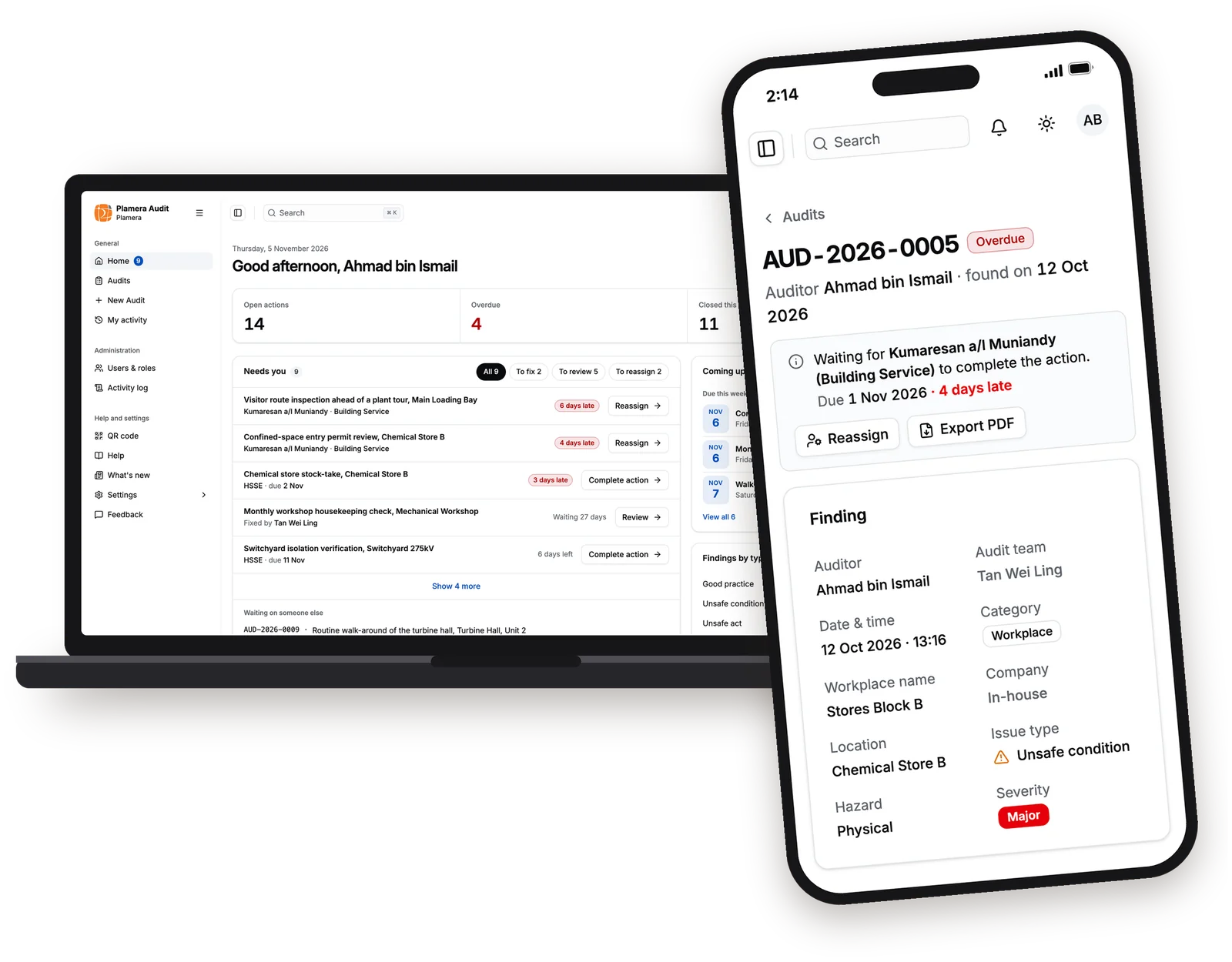
Ready today, in two parts: Audit, for safety findings and fixes, and Induction, for contractors. Each has a dashboard that shows who is late on what.


It works on phones too, iPhone and Android.
ask us for a demo and the priceReal screens, with sample data.
what your team might report
- Earthing not applied
- Isolation not proved
- No harness on pole climb
- Crane boom near live line
- Hot work without permit
- Gas detector test overdue
- Worker under suspended load
- Wrench fell from scaffold
These examples come from power, oil and gas, but the system works for any site. Each finding is marked as an unsafe act, an unsafe condition, a near miss, an incident, an accident or good practice, and given a severity.
what is inside
Nothing waits without a name
Every fix has an owner and a date. Late ones are flagged, and the owner gets an email.
Checked by a second person
Whoever fixed it cannot close it. Someone else checks the photo, then closes it or sends it back.
Reassign or reopen
Move a fix to someone else, or reopen a closed one. The reason stays on record.
A home screen for each person
What needs you, what waits on others, what is coming up. The safety team sees what is open and late, by department.
Excel and PDF
Export your records to Excel, or print one audit with its photos and history as a PDF.
Contractor induction
Contractors apply online with their documents. Two people sign off, a class is booked, and a pass is emailed after it.
what you rent
Audit
Findings, fixes and closing on record, with its own dashboard.
Induction
Contractor applications, sign-off and class booking, with its own dashboard.
On your phone
It works on phones too, iPhone and Android.
questions
- How long until we use it?
- You can start now on the standard set-up. We fit it to your industry over about three months: we meet you, learn how you work and update the system. Later changes, like a new field or step, we agree together.
- Can we see it first?
- Yes. Ask us for a demo, and we show you the real system with sample data.
- How much does it cost?
- A monthly subscription by number of users, plus a one-time fee to fit it to your industry. Ask us for a demo and the price.
- Where does it run?
- On your own server, or we host it for you and set up the domain name and SSL.
- Who looks after it?
- We do. We own the code and keep it updated for bugs, speed and security.
- What if something goes wrong?
- Our support team helps, and the feedback button in the system sends us any problem.
talk to a person
Ask us anything, even if your industry is not on this page.
Email info@plamera.com. We reply in working hours, usually within a day. Trusted by Malaysian organizations since 2000.
ask us for a demo and the pricewhat else do you need?
Software development
Forms, spreadsheets and old systems become software that saves steps.
System integration
Make your HR, accounting and other systems share their data.
Mobile apps
iPhone and Android. UI/UX designed around how your team works.
System and server maintenance
We look after your system, even if another company built it.
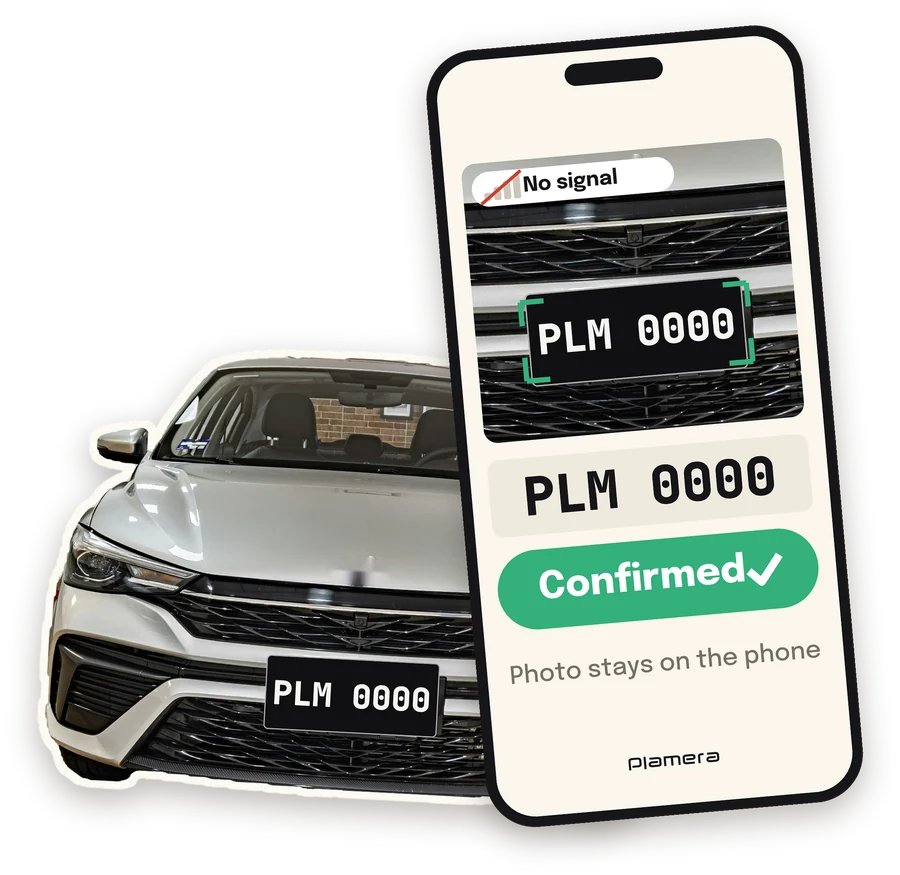
Number plate scan
Scan plates with a phone camera. It works with no signal.
ready-made